v1.0.0-beta.1 :: SYSTEM_ONLINE

The Universal Hub
for AI Tools.

Runs in your system tray. Keeps your work and personal tools separate. Instantly connects AI agents to the tools they need.

01 // NATIVE

Ultra-Lightweight

Built with Go & WASM. Uses <50MB RAM and starts tools in under 10ms. No Docker needed.

02 // SECURE

Identity Sync

Isolated profiles for Work, Personal, and Projects. Stop manually swapping API keys.

03 // DYNAMIC

Scooter Gateway

Dynamic discovery. Agents "auto-choose" tools on-the-fly, keeping your context window clean.

Core Capabilities

:: DYNAMIC_TOOL_DISCOVERY

Zero-Config Tool Activation

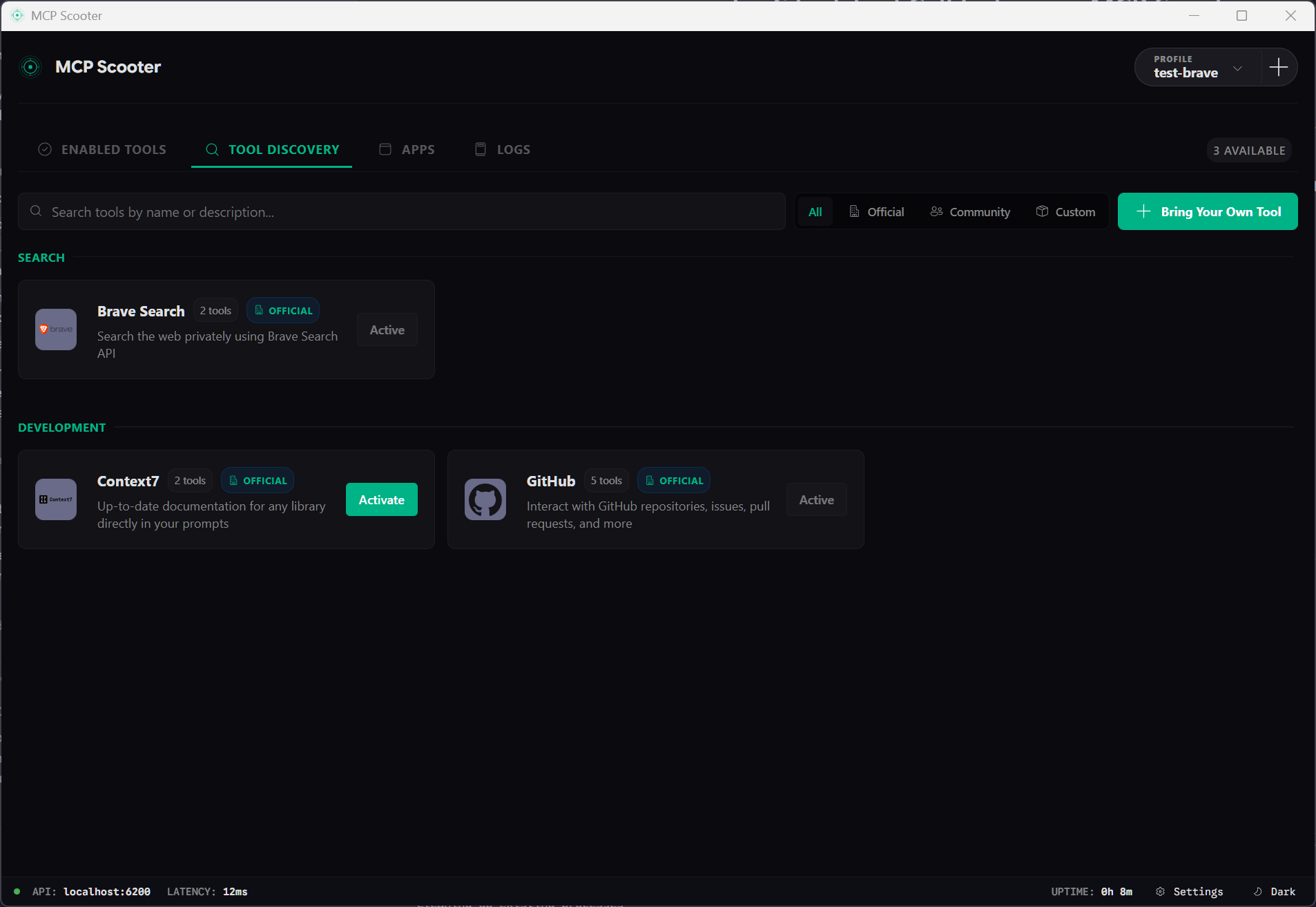
Scooter monitors your requests and automatically activates the necessary MCP servers. No more manual configuration or restarting your IDE when you need a new tool.

:: IDENTITY_ISOLATION

Professional Identity Management

Switch between Work, Personal, and Open Source profiles instantly. Each profile maintains its own set of tools, environment variables, and secure credentials.

:: UNIVERSAL_BRIDGE

One Gateway, All Clients

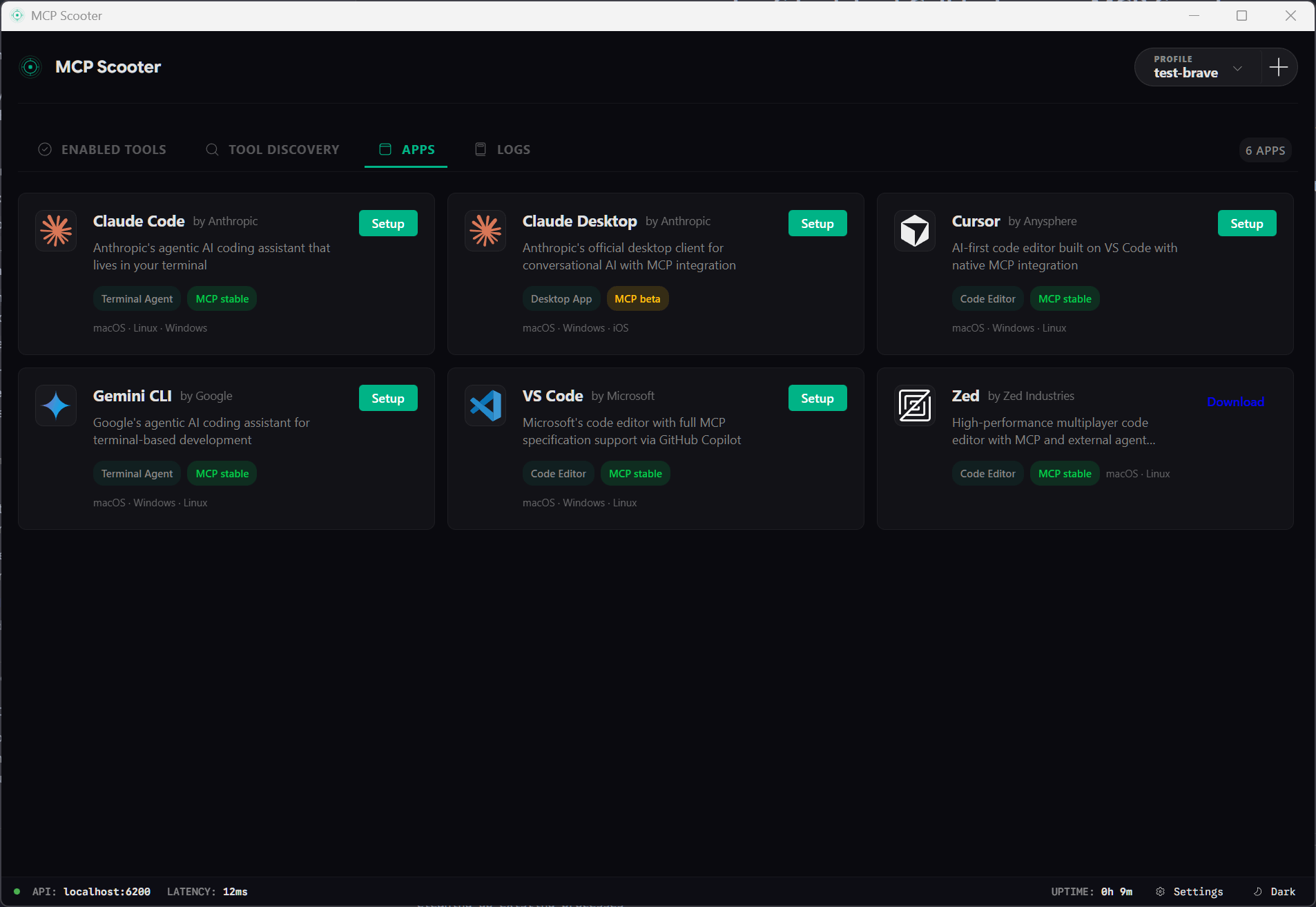
Connect Cursor, Claude Desktop, VS Code, and custom CLI agents to a single Scooter instance. Centralize your tool management across your entire development stack.

:: LOCAL_FIRST_SECURITY

Native Security Sandbox

Tools run in isolated processes with scoped filesystem access. Sensitive operations require human-in-the-loop approval, keeping you in control of your data.

System Performance

METRIC DOCKER MCP TOOLKIT MCP SCOOTER
Idle RAM Usage 2GB+ (Docker Desktop) <50MB (Native)
Tool Startup Time 3-5 Seconds (Container) <10ms (WASM/Process)
Binary Size ~500MB+ (Images) ~15MB (Single Binary)
Context Efficiency Static Loading Dynamic Hot-Swapping

Interface Gallery

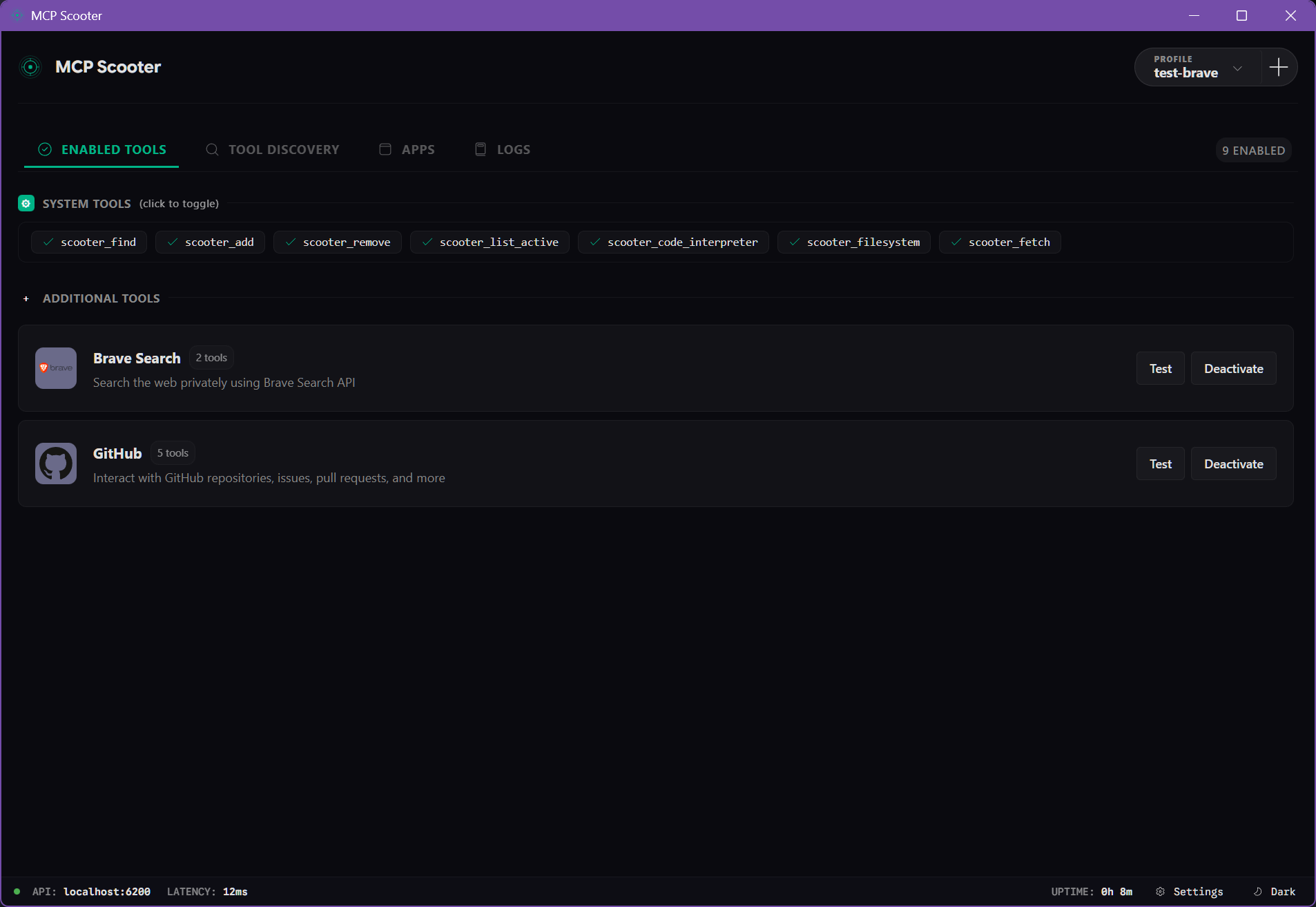
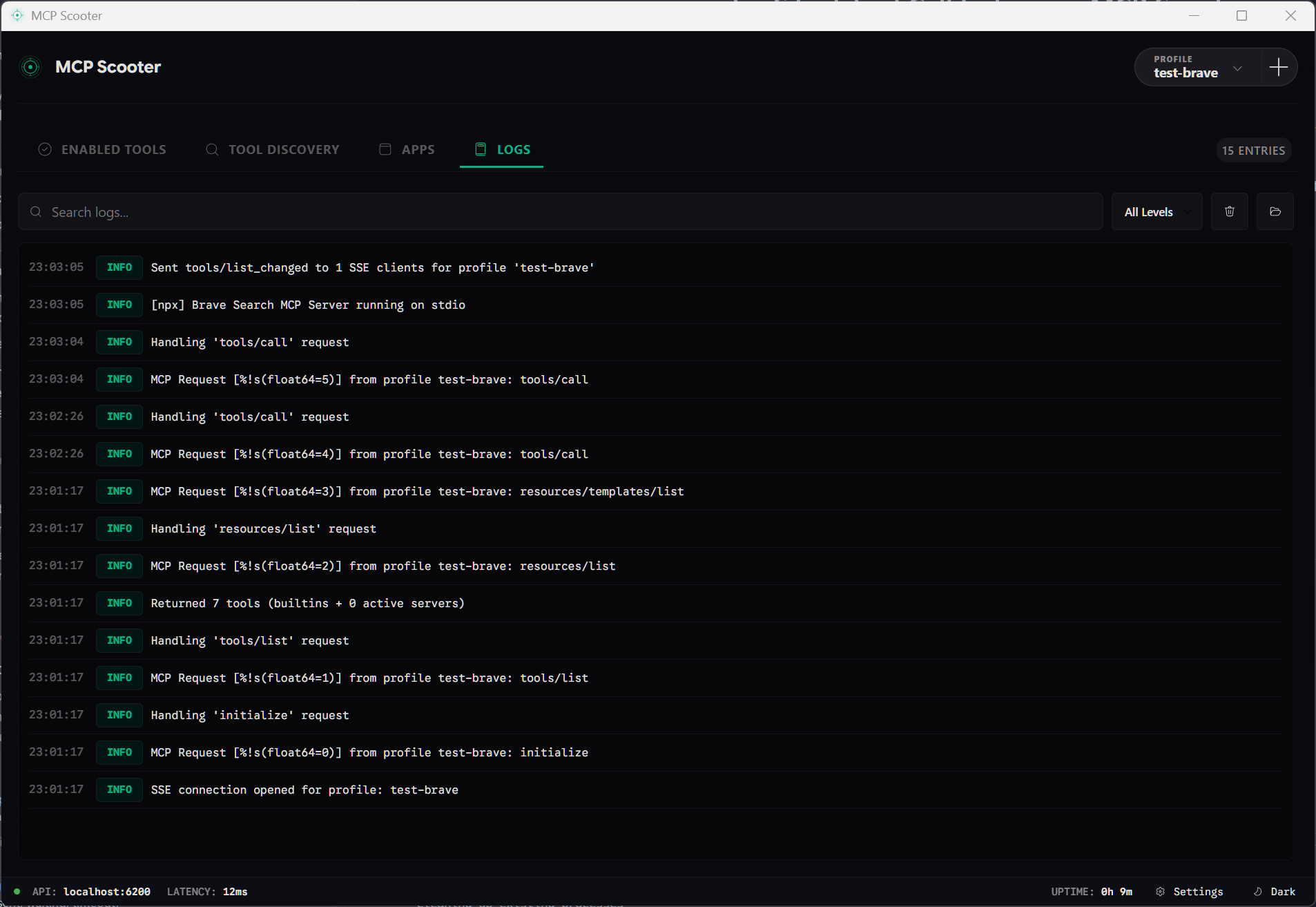
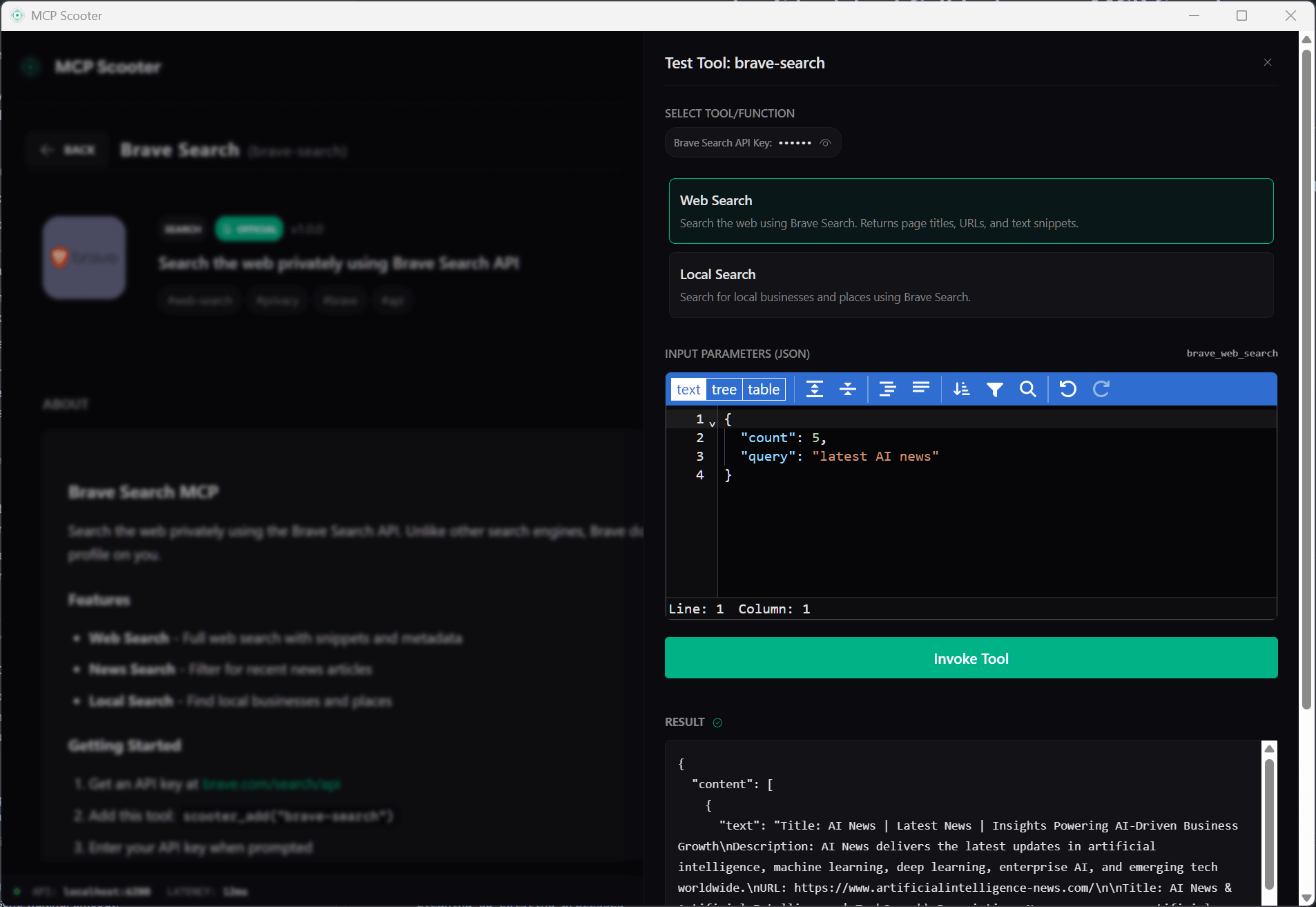
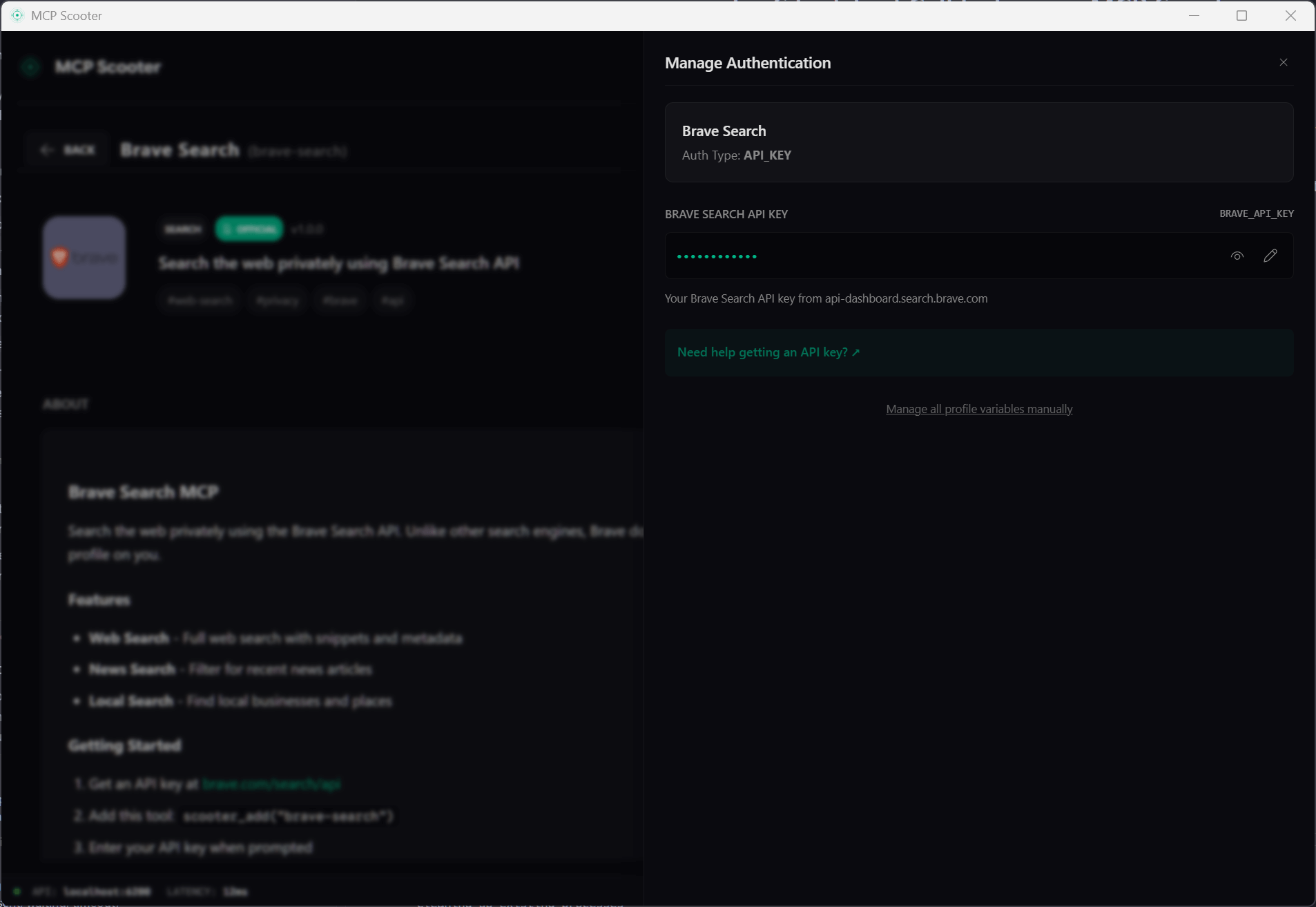
MCP Scooter Dashboard View showing active tools Profile Management Screen Tool Search and Discovery Interface Client Integrations Settings Security and Permissions Settings System Log Inspector

PHASE_1: CORE FOUNDATION [ACTIVE]

The main system is running. You can connect tools, manage profiles, and use it with Cursor and Claude today.

[x] Connection Gateway
[x] Profile Management
[x] Tool Discovery
[x] Desktop Tray App
[x] Cursor/Claude Sync
[ ] WASM Runtime
[ ] OAuth 2.0 Flow
[ ] Tool Playground

PHASE_1.5: CLI_DX

  • [ ] Scooter CLI
  • [ ] Ad-hoc Connections
  • [ ] Profile Switching
  • [ ] npx Support

PHASE_2: SKILLS_ECOSYSTEM

  • [ ] Skills Catalog
  • [ ] Skill Export/Import
  • [ ] Scooter Store
  • [ ] Remote MCP Support

PHASE_3: ENTERPRISE

  • [ ] Team Sync
  • [ ] Audit Logs
  • [ ] SSO Integration
  • [ ] Admin Dashboard

01. Installation

MCP Scooter is designed to be ultra-lightweight and run natively on your machine without Docker overhead.

# Windows (PowerShell)
irm https://mcp-scooter.com/install.ps1 | iex

For macOS and Linux, we provide pre-built binaries via GitHub Releases. You can also build from source using Go 1.24+ and Rust.

02. Identity Profiles

Profiles are the heart of Scooter. They allow you to isolate tools and credentials between work and personal environments, solving the "Configuration Chaos" of managing multiple account identities.

Isolation No more manual key-swapping. Use one profile for personal tools (like Spotify) and another for work (like Jira/Postman) with independent keys.
Security Credentials are stored in your native OS keychain (macOS Keychain, Windows Credential Manager).
Zero Drift Configure once, use across all clients like Cursor, Claude, and VS Code.

03. Client Integrations

Scooter automates the configuration of your favorite AI clients. It acts as an SSE proxy, so your clients don't need to know about auth or dynamic loading.

Cursor
mcp.json
Claude
claude_desktop_config.json
VS Code
MCP Extension
Zed
settings.json
Claude Code
settings.json
Gemini CLI
config.json

04. Primordial Tools

Every AI client connected to Scooter sees these tools by default. They enable **dynamic auto-choosing**—the LLM finds only what it needs for your specific question, avoiding context bloat and saving tokens.

scooter find [query]

Search for tools by name or capability across the registry.

scooter add [name]

Instantly activate a tool server for the current session.

scooter remove [name]

Unload a tool to free up context window space and RAM.

scooter list active

List all currently active tools and their capabilities.

scooter [command]

Directly execute tool commands from the CLI.

scooter_code_interpreter(js)

Execute sandboxed JavaScript for data processing.

scooter_fetch(url)

Perform local-first HTTP requests with full security.

05. MCP Registry

The registry defines how MCP servers are discovered and executed. Every tool in Scooter is a simple JSON manifest.

{
  "name": "brave-search",
  "version": "1.0.0",
  "title": "Brave Search",
  "authorization": {
    "type": "api_key",
    "env_var": "BRAVE_API_KEY"
  },
  "runtime": {
    "command": "npx",
    "args": ["-y", "@anthropic/mcp-github"]
  }
}

06. Security & Privacy

Scooter is local-first. Your data never leaves your machine unless you explicitly connect to a remote tool.

  • ::
    Gateway API Key

    Secure the connection between your IDE and Scooter with a dedicated secret key.

  • ::
    Local-First

    No cloud dependencies. The server runs entirely on your hardware.

  • ::
    Keychain Integration

    Tokens and API keys are stored in encrypted system vaults.

  • ::
    Human-in-the-loop

    Sensitive actions (like file deletion or DB queries) require your manual approval.

  • ::
    WASM Isolation

    Tools run in a secure sandbox, preventing them from accessing files outside their scope.